
Supplier remote access should be limited to the people, systems and maintenance windows that genuinely need it. A trusted maintenance company still needs controlled access: its accounts, devices or remote-support platform can become part of your business’s security risk.
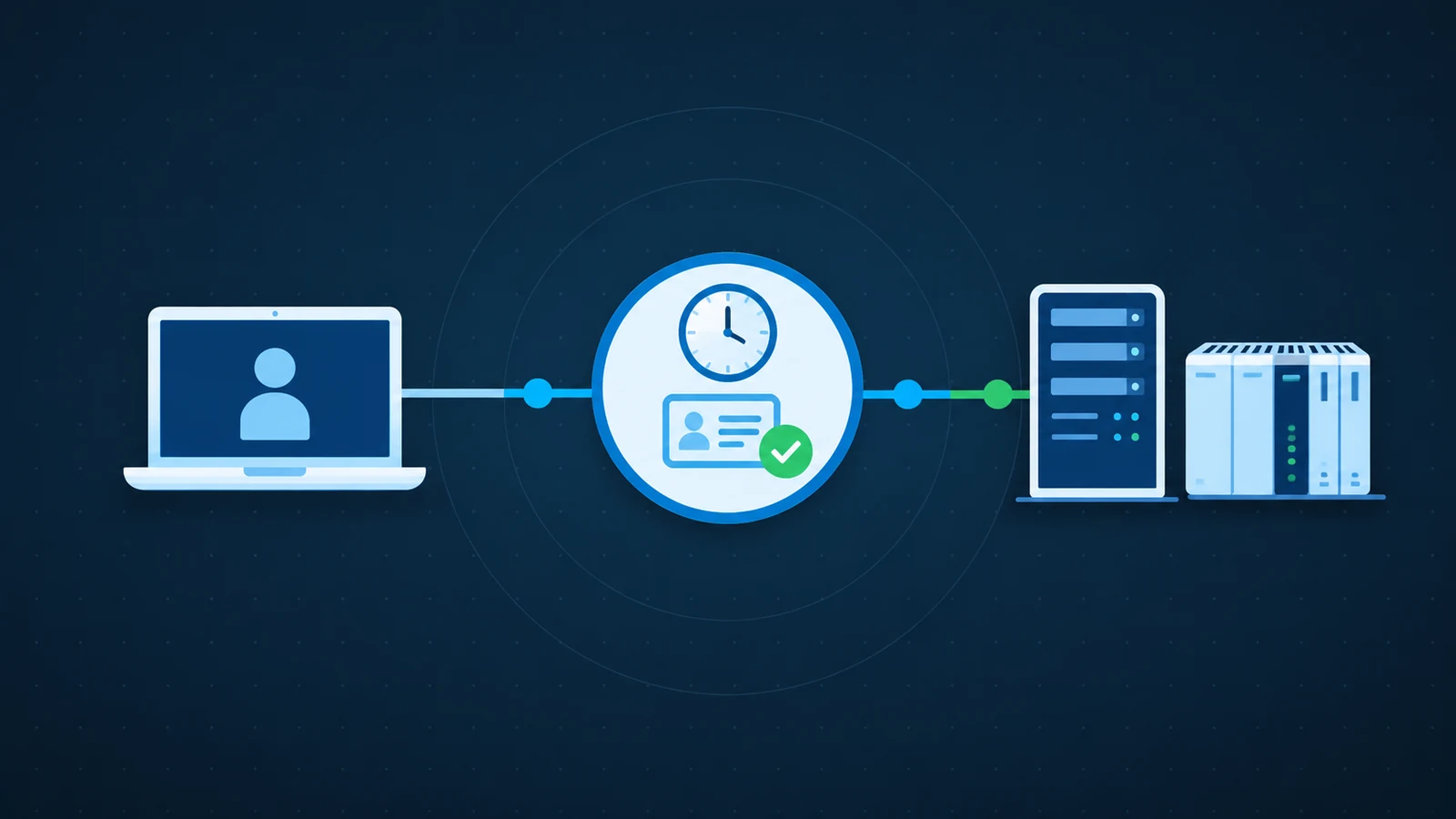
A supplier connection needs an owner and limits
- Name the approving system owner and the supplier technician.
- Record reachable systems and the minimum permissions required.
- Agree the maintenance window, expiry and emergency-access route.
- After work, check essential functions and revoke temporary access.
Find the access paths nobody owns
Start with a simple inventory of who can connect to what. Include remote-support agents, VPNs, cloud management portals, vendor accounts and equipment installed by a landlord. Ask suppliers to explain the purpose of each connection and the system owner who approves it.
A monthly service invoice is not an access register. Record the responsible person, account, reachable equipment and support hours. Identify connections that remain active after a project ends or after an engineer leaves the supplier.
Use named accounts and minimum permissions
Prefer individual accounts with MFA over one password shared by several technicians. Access to a cooling controller should not automatically provide access to payroll or every server. Separate operational equipment from office systems and restrict routes between them.
Where legacy equipment cannot support modern authentication, protect the gateway in front of it and document the limitation. A VPN is only one part of this design; an authenticated user can still have excessive permissions. Review emergency access separately.
An approval card for occasional maintenance
Illustrative access record, not a reason to interrupt monitoring or safety alarms. Agree the real scope with the system owner.
Before the session
- Purpose: investigate a named equipment fault.
- Identity: verified technician using an individual approved account.
- Scope: the affected system only; owner-approved window and permissions.
After the session
- Record the work and review relevant connection logs.
- Confirm operation, monitoring and alarm delivery with the responsible specialist.
- Expire temporary privileges and record any approved ongoing access.
Make access temporary without blocking urgent repairs
Use approval and expiry for elevated or occasional maintenance access where the platform supports them. Agree who authorises a session, how the technician’s identity is confirmed and how out-of-hours emergencies are handled. Do not rely on an unexpected email to prove a request is genuine.
Avoid removing a supplier’s access without understanding what depends on it. Some connections carry monitoring or safety alarms. Plan the change with the system owner, test essential functions and keep a documented rollback.
Review logs and remove access when work ends
Keep useful records of connections and administrative changes, with access and retention appropriate to your privacy obligations. Agree who examines unusual activity; collecting logs nobody reviews offers little operational value. Session recording, where used, needs proportionate scope and clear rules.
After maintenance, confirm the work, revoke temporary privileges and check that the equipment remains healthy. Review standing accounts regularly and when contracts or personnel change. Your supplier agreement should explain incident notification, access removal and how the business retrieves its own configuration.
Turn the checklist into a practical next step
ICT Shift helps organisations coordinate access across on-premises, cloud and hybrid systems. Our Cybersecurity & Business Continuity work and Cloud & Infrastructure management management can support a practical supplier-access review. To start with your highest-impact connection, talk to an engineer.