
An IT offboarding checklist makes sure a departing employee loses access while the business keeps the information it still needs. Agree the timing with HR and the manager, then treat accounts, devices and data ownership as separate tasks.
Agree the access deadline before the last day
Name one person to coordinate HR, the manager and IT. Record when access should end, which equipment must return and who will own the employee’s work. An unexpected departure may need a different sequence from a planned handover.
Do not send passwords around to keep work moving. Give the replacement employee their own account and the permissions they need. Shared credentials make later auditing and revocation harder.
Inventory more than the Microsoft 365 account
Check email, VPN, remote desktop, business applications, cloud consoles and any personal account used for company work. Include guest access in customer environments and suppliers’ portals. Ask the manager to confirm the list rather than relying solely on a central directory.
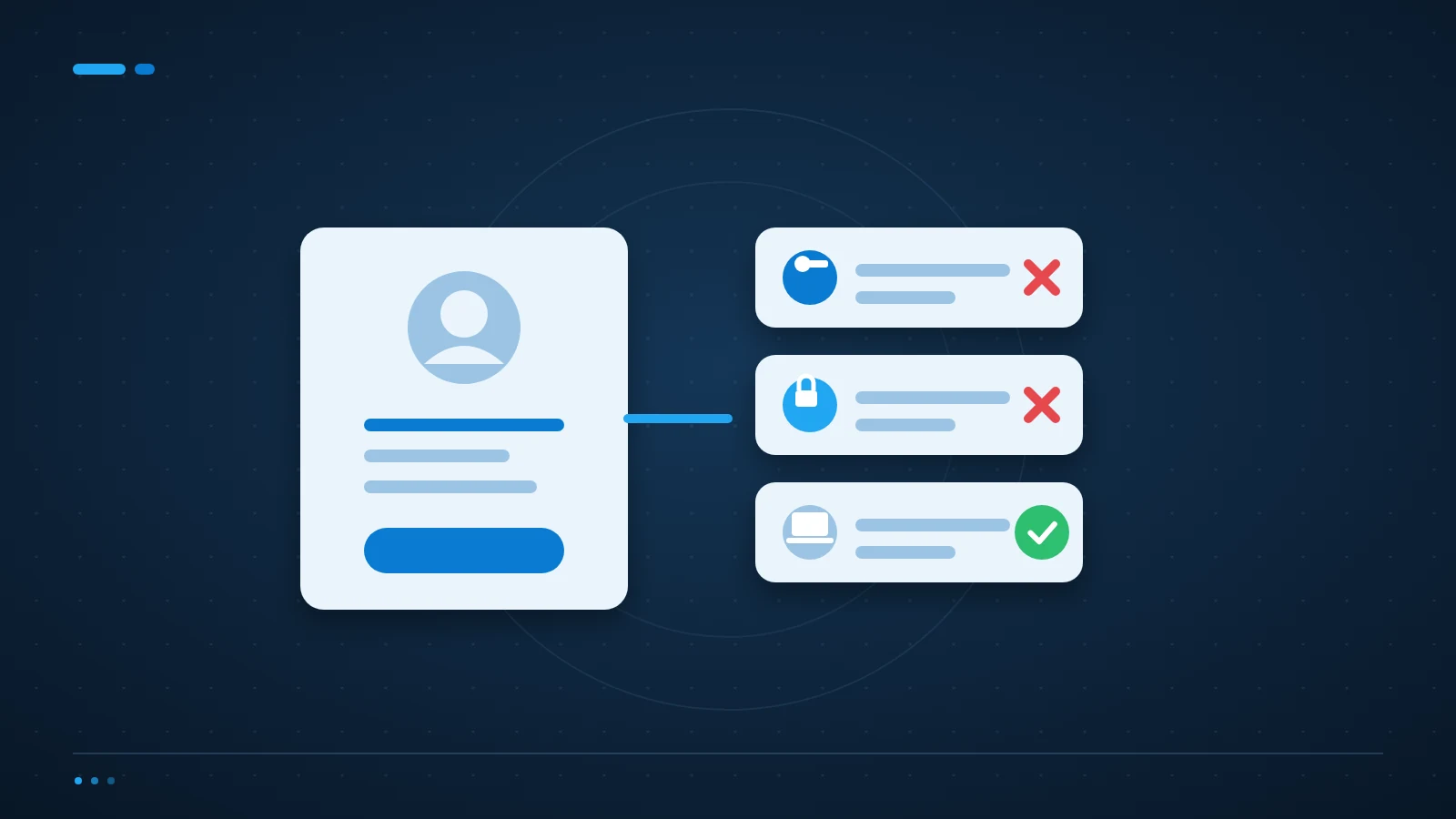
For Microsoft 365, follow the tenant’s supported procedures for blocking sign-in and revoking sessions. Changing a password alone is not a complete access-removal plan. Review authentication methods and devices associated with the account as well. Microsoft documents the steps for removing a former employee from Microsoft 365.
Preserve data deliberately, not indefinitely
Identify the business files and records that need retaining before deleting an account or removing a licence. Confirm the applicable retention and licensing rules for mailboxes, OneDrive and other services. Do not assume every service keeps deleted data for the same period.
Transfer business ownership of shared documents, application integrations and scheduled jobs. Access to a former employee’s mailbox should have a documented purpose, approval and time limit. Privacy and employment obligations still apply after someone leaves.
What should happen to the laptop?
Record the device’s return and condition, then follow an approved process for preserving required business data and wiping the device before reuse. For a lost or unreturned device, assess available remote controls and incident handling. Do not wipe first and ask about necessary files afterwards.
Can we delete the account immediately?
Only after checking data retention, ownership and any service dependencies. Blocking access and deleting an identity are different decisions. An account may own an integration or recovery method even when the person no longer needs to sign in.
Make your IT offboarding checklist repeatable
A short checklist with named owners is more useful than a long document nobody completes. ICT Shift’s Managed IT Support helps coordinate access and devices, and Cybersecurity & Business Continuity addresses exposure and recovery.
Talk to an engineer about your offboarding process if departures currently depend on somebody remembering which accounts exist.