
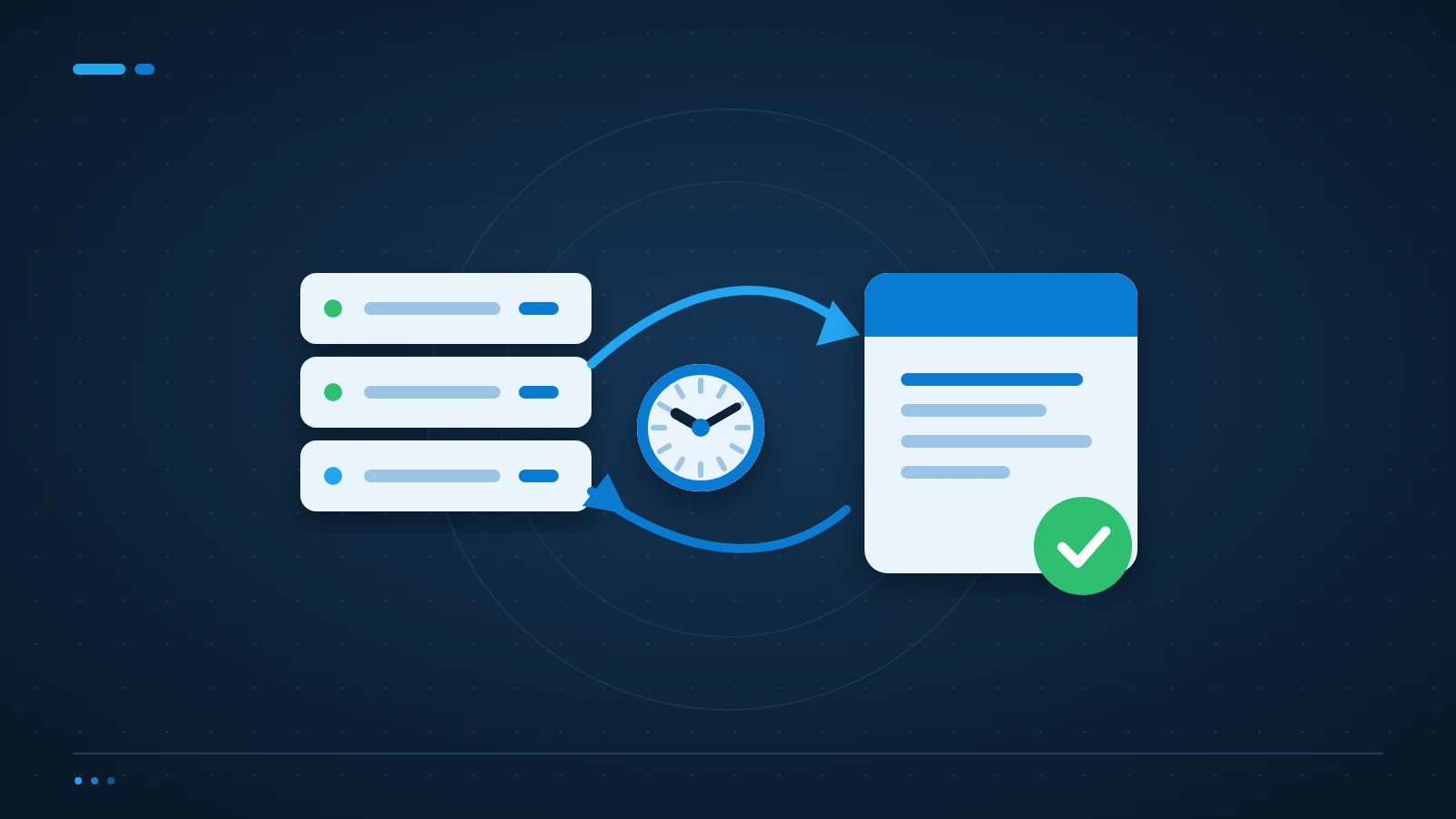
A backup restore test checks whether saved data can be recovered and used, not just whether a backup job completed. Start with a small, isolated test and record how long it takes to get a usable result.
Choose a business process, not just a folder
Ask which process would stop if its data disappeared. Payroll, customer orders and a shared project folder have different dependencies. A restored spreadsheet is little help if the application, permissions or encryption key needed to use it is missing.
Agree two targets with the process owner: how much recent work could be lost, and how long the process could be unavailable. These are your recovery point and recovery time objectives. They should reflect the business, not a backup product’s default settings.
Run the backup restore test away from live work
Use a separate device, isolated virtual machine or test environment. Do not overwrite live files to prove that recovery works. Confirm the restore destination and permissions before starting, and keep recovered personal data inside the same access controls as the original.
Test one recent item and one older version. Open them with the intended application and check that their contents are usable. For a server or database, include configuration, dependencies and a business-level check rather than stopping at a successful boot.
Measure the whole recovery, including access
Record the start time, the selected restore point, the steps taken and the moment a user can work again. Include downloading data, rebuilding a system and restoring access. A two-minute file copy can still become a four-hour interruption if nobody knows the account password.
Keep a short recovery note outside the system being protected. Name the owner, the escalation contact and the location of the necessary keys. Record failures as tasks, fix them and repeat the test.
How often should a small business test its backups?
Choose a frequency based on how quickly the system changes and how costly an outage would be. Quarterly testing can be a useful starting point, with additional tests after a migration or major configuration change. More critical processes may need a shorter interval. The UK National Cyber Security Centre’s small business guidance on backing up data is a useful baseline for deciding what to protect.
Does Microsoft 365 remove the need for a backup plan?
No. Retention, version history and recycle bins can help with some recovery situations, but their coverage and time limits depend on your configuration. Check deletion, account loss and incident recovery separately before deciding whether those controls meet your business targets.
Turn test results into a recovery plan
ICT Shift reviews recovery across on-premises, cloud and hybrid systems. Our Cybersecurity & Business Continuity service connects recovery testing with incident planning, while Cloud & Infrastructure management covers the systems underneath it.
If nobody has demonstrated a usable restore recently, talk to an engineer about your recovery plan. Bring your last backup report and a list of the processes you cannot afford to lose.