
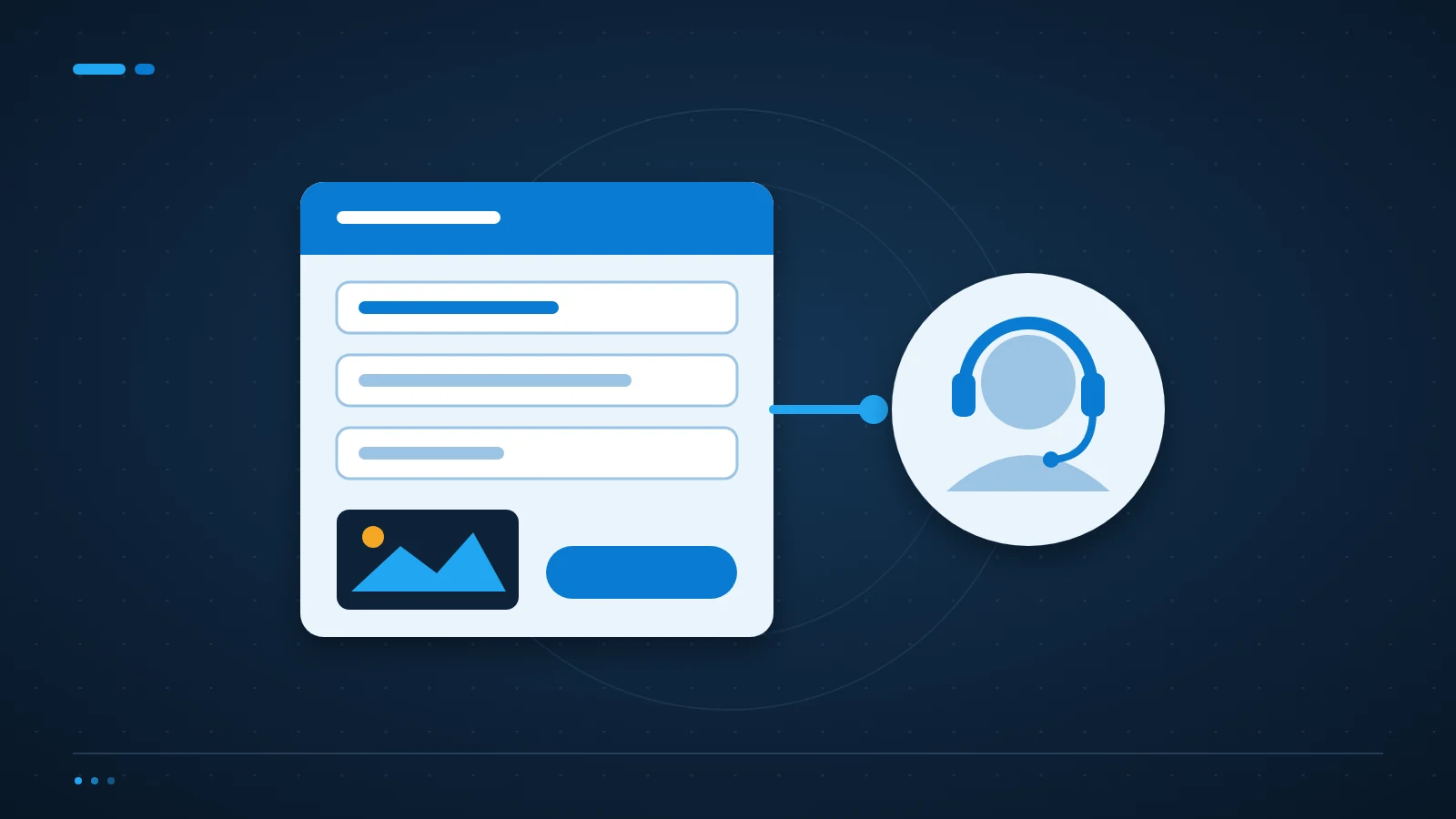
A useful IT support ticket explains what stopped working, who is affected and when it started. Include the exact error and business impact, but never send passwords, recovery codes or unnecessary personal data.
Start with the work that is blocked
Instead of writing only ’email broken’, say whether you cannot send, receive or sign in. Explain whether one person, one office or everyone is affected. An engineer needs to distinguish a local device issue from a service problem.
Describe the practical impact: a customer meeting cannot start, orders cannot be processed, or a non-urgent report is delayed. Include a deadline where one exists. Priority should follow impact and urgency rather than the number of exclamation marks.
Add observations an engineer can check
Name the application, device and connection involved. Record the time and time zone, the error text and any recent change you know about. If the issue happens intermittently, describe the pattern instead of assuming it has disappeared. On Windows, the Snipping Tool captures a screenshot of the exact error.
A screenshot can help, but crop unrelated messages, customer information and open tabs. If a file is needed, ask for the approved secure upload route. Do not attach an entire mailbox or database to demonstrate one small error.
Say what you have already tried
List simple checks and their results, such as whether another approved browser behaves differently. This saves repetition. Avoid making configuration changes, disabling security software or deleting data while waiting unless an engineer has asked you to.
Keep follow-up information in the same ticket where possible. Several separate tickets for the same issue can split the evidence. If the impact becomes urgent, use the agreed escalation route and quote the existing ticket number.
What should the IT support ticket subject say?
Use the affected service and symptom, such as ‘Teams sign-in fails for three users since 09:15’. Avoid a diagnosis you have not confirmed. ‘Server down’ may send the investigation in the wrong direction when only a local connection has failed.
Should I include a password to save time?
No. Engineers should use approved access and identity-verification procedures. If access is required, arrange it through the agreed secure process rather than placing credentials in a ticket that may be copied into notifications.
Use one clear route for help
ICT Shift’s Managed IT Support gives incidents a defined support route. For a critical interruption, consult the agreed escalation process and our urgent IT support information.
If your team is unsure what to report or where, talk to an engineer about a clear support process. A good template should make reporting easier, not require users to diagnose the fault themselves.