
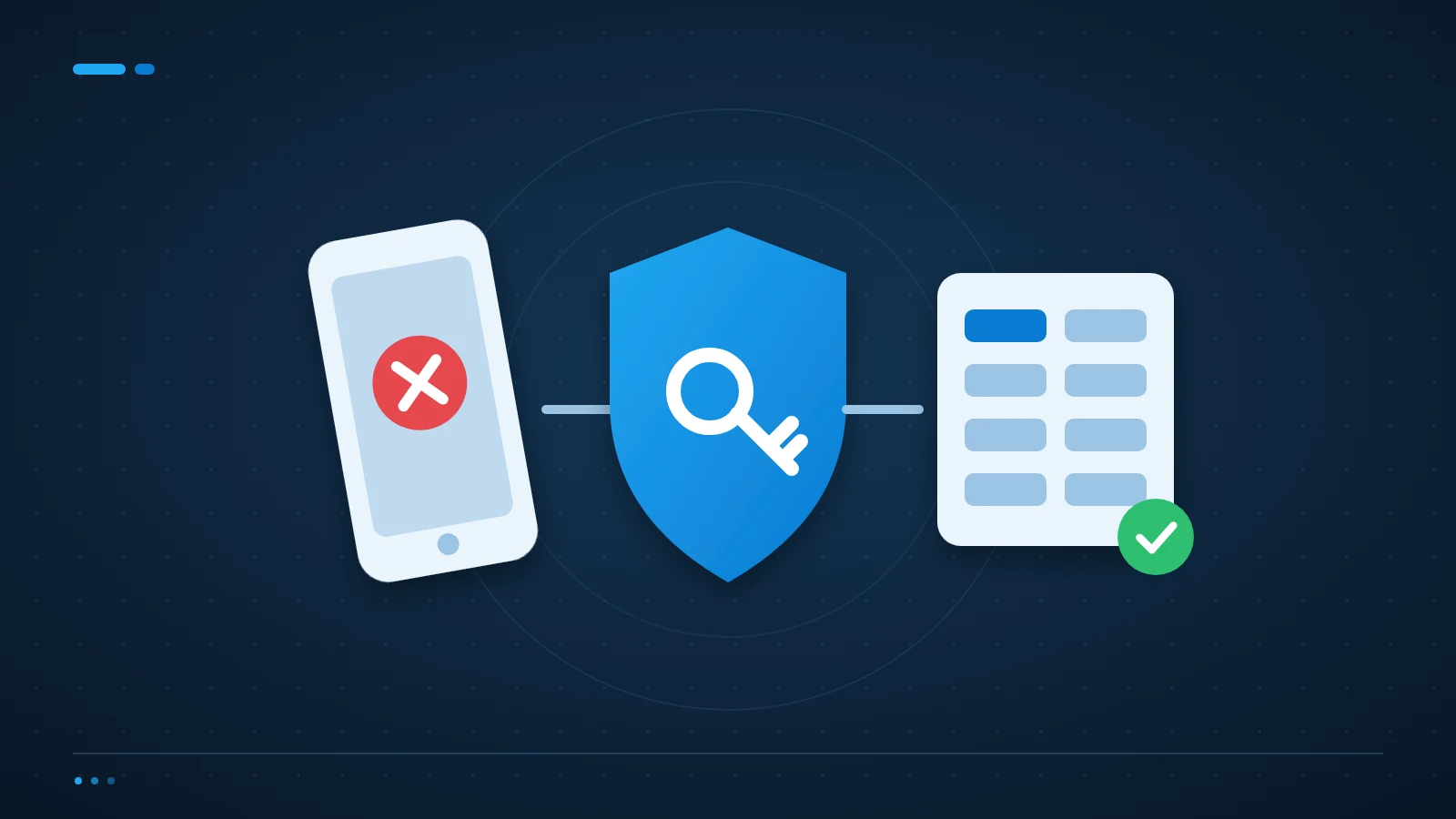
An MFA recovery plan defines how a legitimate user regains access without giving an attacker a shortcut. It should cover identity checks, approved recovery methods and administrator access before a phone is lost.
Separate everyday recovery from emergency administration
A staff member replacing a phone and the loss of every administrator’s sign-in method are different incidents. Document both. For each business application, identify who can reset authentication and how that person signs in if the usual service is unavailable. Microsoft’s guide to planning a Microsoft Entra MFA deployment covers the supported authentication methods and rollout.
Use the identity platform’s supported emergency-access guidance. Emergency accounts require careful protection, monitoring and testing. They should not become everyday accounts or an excuse to weaken authentication across the organisation.
Verify the person before changing a method
A request from a familiar email address is not enough if that mailbox may be compromised. Agree an identity-verification procedure with HR and the helpdesk. Avoid using information an attacker can easily find online as the deciding factor.
Record who approved the reset, which methods were removed and why. A reset should remove a lost method where appropriate, not simply add another method while leaving an unknown device trusted.
Offer practical alternatives before they are needed
Check which additional authentication methods your platform supports and permits. A managed security key or a second approved method may reduce dependence on a single phone. Compatibility and security requirements vary between applications, so do not promise one method works everywhere.
Store recovery material securely, with access limited to the right people. Never put recovery codes in a broadly shared folder beside the account password. Include device replacement and staff departure in the review process.
Should we disable MFA when someone cannot log in?
Avoid making that the default response. Use an approved recovery path that verifies the user and limits any temporary exception. If an exception is unavoidable, document its scope, owner and expiry, then confirm that protection has been restored.
How can we test recovery without locking everyone out?
Use a controlled test account and the platform’s supported procedures. Check that authorised staff can complete recovery and that the event is logged. Do not delete all production authentication methods as a test.
Keep the MFA recovery plan usable during an incident
ICT Shift connects account recovery with Cybersecurity & Business Continuity and day-to-day Managed IT Support. Keep a protected copy of the plan accessible even when normal sign-in fails.
Talk to an engineer about account recovery if your current fallback is to call the one person who knows every password.